Sonya Menu
Digital QR menu for restaurants
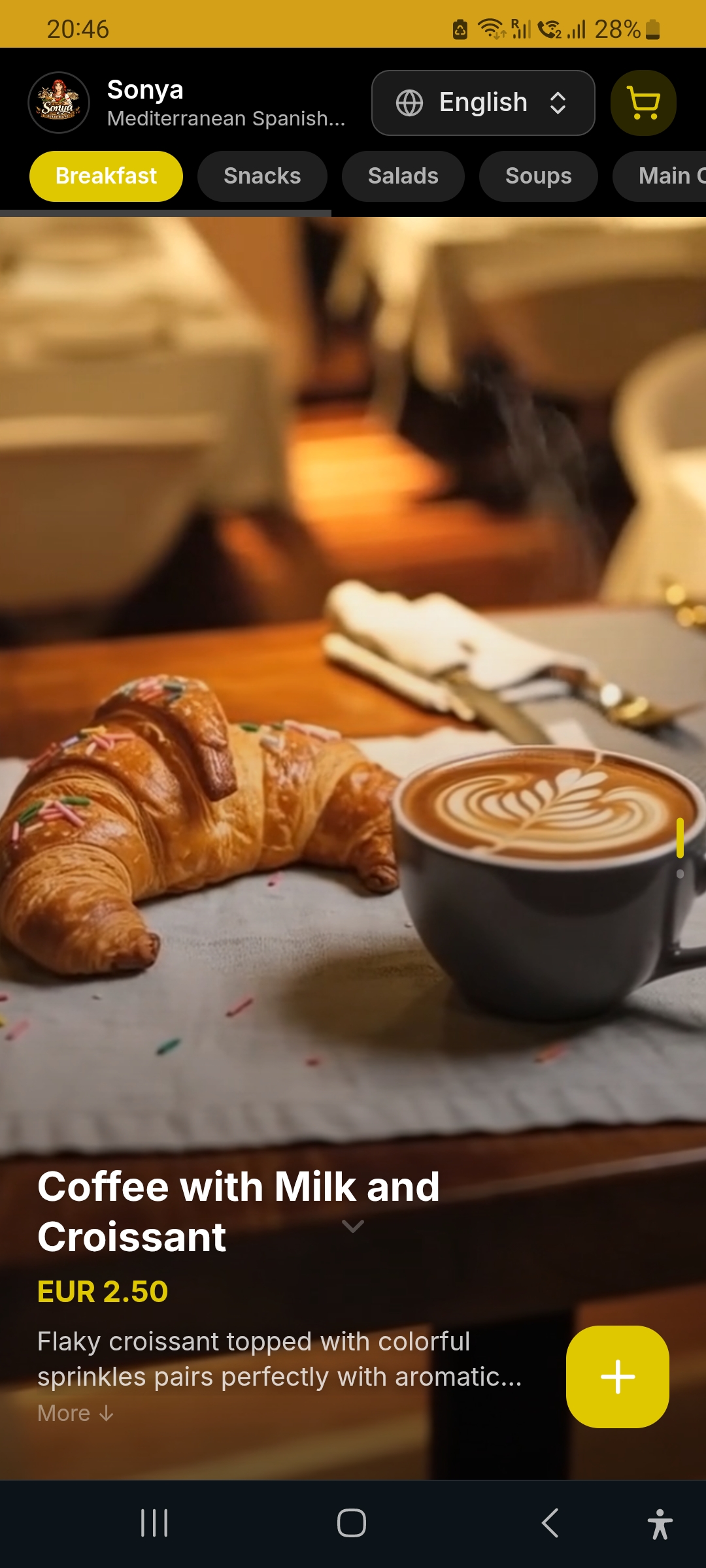
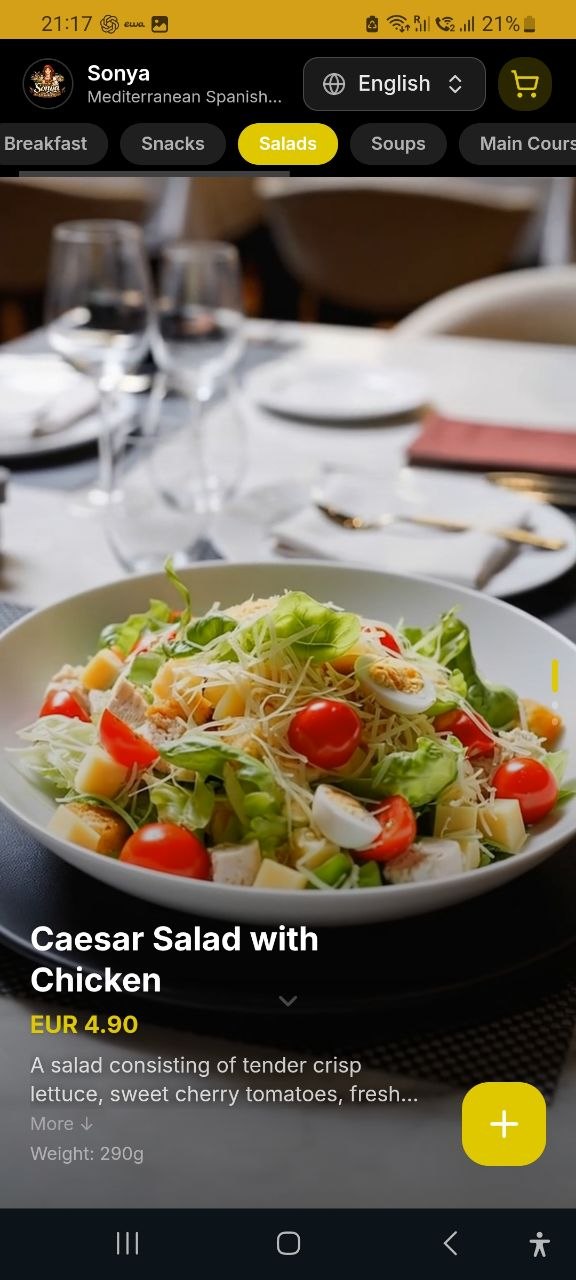
Instagram-style video menu. Guests scroll through dishes, choose one of 80 languages, and send an order from the table.
Open Sonya Menu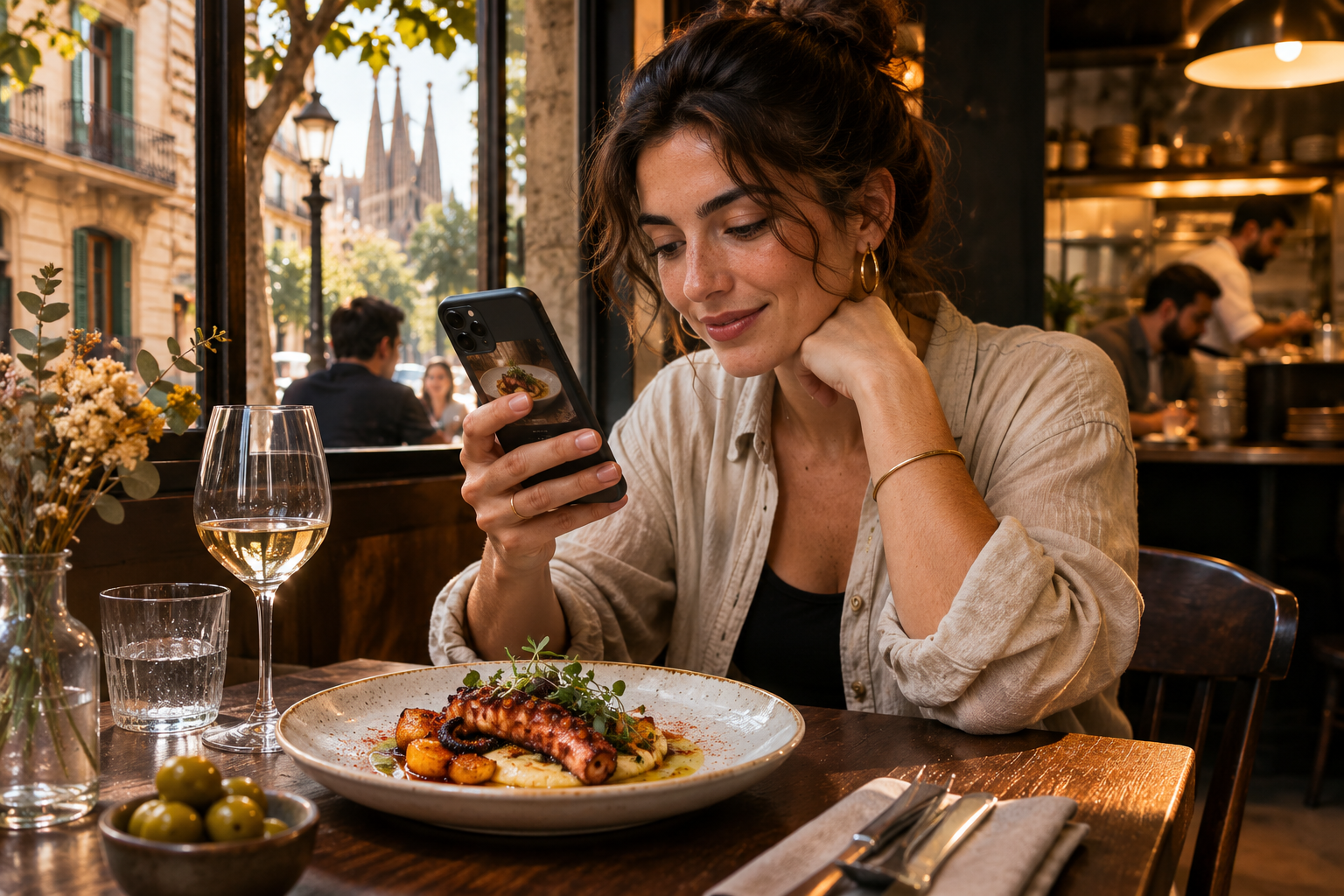
From QR code to order
Scan the QR code
A guest opens the menu in the browser on their phone.
Choose dishes
Scrolls through a vertical feed of photos and short videos, reads the ingredients, selects add-ons, and leaves a comment on the order.
Send the order
The order is linked to a table. The waiter can see the items on the screen and can start preparing the order.
What your restaurant gets
Photos and videos from a smartphone
Photograph or film your dishes on your phone and upload the clips to the menu. You can get started without a professional photo or video shoot.
Menu in 80 languages
Guests can choose their language for the names of the dishes, descriptions, add-ons, and the order interface.
Add-ons and preferences
Guests choose options for the dish and specify details in the comment.
Prices and availability
Change prices and hide unavailable dishes without replacing the QR code.
Who it’s for
Restaurants
Show the presentation of dishes and offer sides or sauces right on the dish page.
Cafés and bars
Update seasonal drinks, breakfasts and unavailable items throughout the day.
Hotels and establishments in tourist areas
Help guests choose in a familiar language, even when the waiter is busy.
Prepare the menu for free
Create, edit and view the menu in your account. When you are ready to open the menu for guests, the subscription will enable public access via QR code and link.
View ratesCreate your restaurant menu
Add your first dishes, upload photos, and see how the menu will look on a guest's phone.
Create a menu