
How to launch a digital QR menu for your restaurant
Guide menu and contents
Start with one link to a live menu that you can keep up to date. Add your most popular dishes, check that prices and descriptions are easy to read on a phone, and give diners another way to see the menu. The same address can work at the table, on your website and on Google.
See how it works in Sonya Menu
Sonya Menu lets guests browse short food videos in a familiar Instagram-style feed. The menu is available in 80 languages. You can shoot your dishes on a smartphone, so there’s no need for a professional photo or video shoot at launch. Before publishing translations, have someone who knows the menu and the language check the dish names, service details and allergen information.
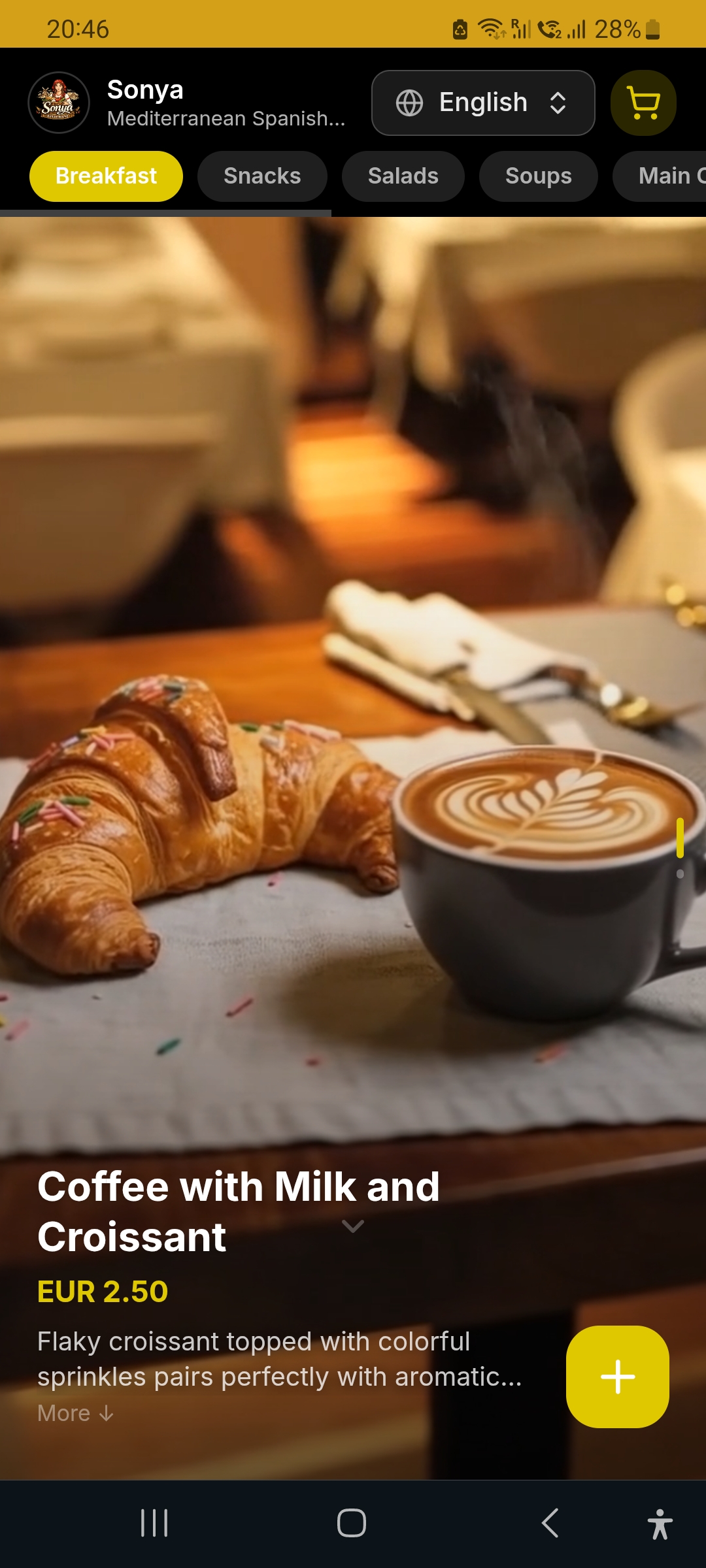
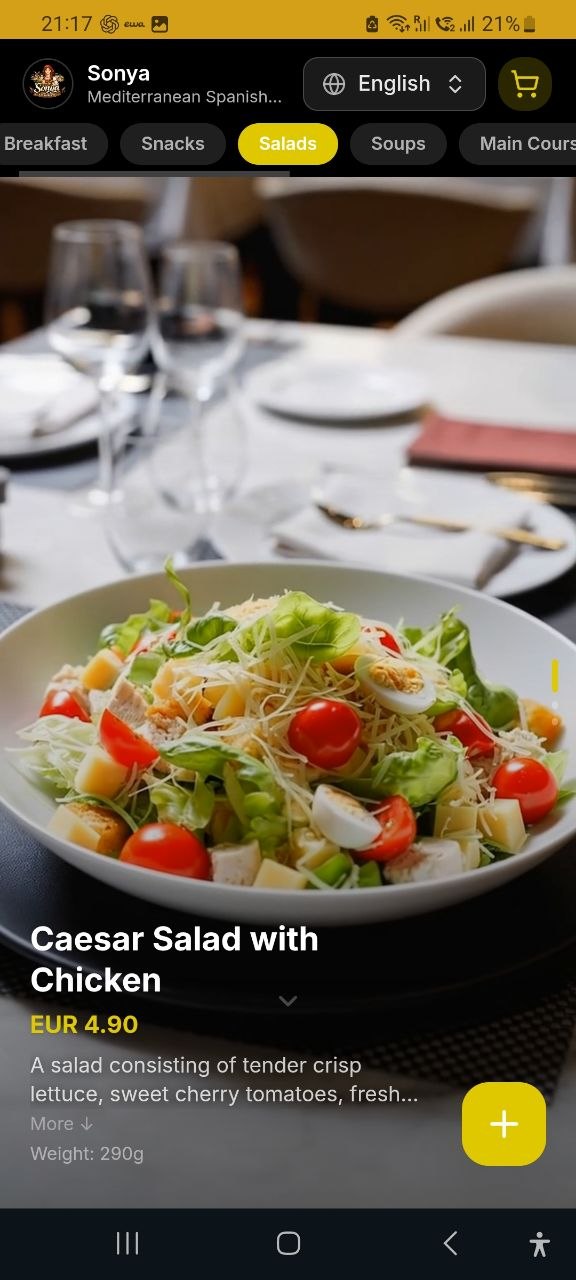
Display the QR code and a backup link
Generate a QR code for an address you can keep updating without reprinting the code. Label it “Open menu” and add a short, readable URL if there’s room. On tables and at the entrance, check for glare and test how far away a guest can hold their phone. Use the same current menu address on your website and Google Business Profile.
Keep a printed menu, a tablet or help from the server available. Make the menu work in a browser without requiring an app. If you use different QR codes for measurement, send guests to the same current menu for the right location. Track scans and orders as separate events.
Test the menu during a real shift
- Scan the code on an iPhone and an Android phone under normal dining-room lighting and without Wi-Fi.
- Find three popular dishes, change the language and check that prices and units stay consistent.
- Temporarily mark a test item as unavailable. Confirm the team can see the change and knows how to update the menu.
- Ask two guests or colleagues what they opened and what made it difficult to choose. Make one improvement and test again.
You’re ready to launch when a guest can open the right menu, find the category and see the price, and staff can update an item mid-shift. The following week, check which questions about ingredients and availability the team still answers in person.
Sources
Want a team to help market your restaurant?
Use this guide to make the changes yourself. If you want help finding where you’re losing diners and turning the plan into action, OliveMKTG can connect your website, menu, Google profile, content and ads to measurable table bookings.
Talk to us about restaurant marketing