{{title}}
{{text}}
{{published}}

For owners of restaurants, cafés and bars. Follow the guest’s journey from finding your venue to coming back, then decide what to improve first.
Find practical guidance on websites and bookings, Google Maps, reviews, menus, content and advertising. Explore dedicated resources for restaurants in Barcelona and across Spain.
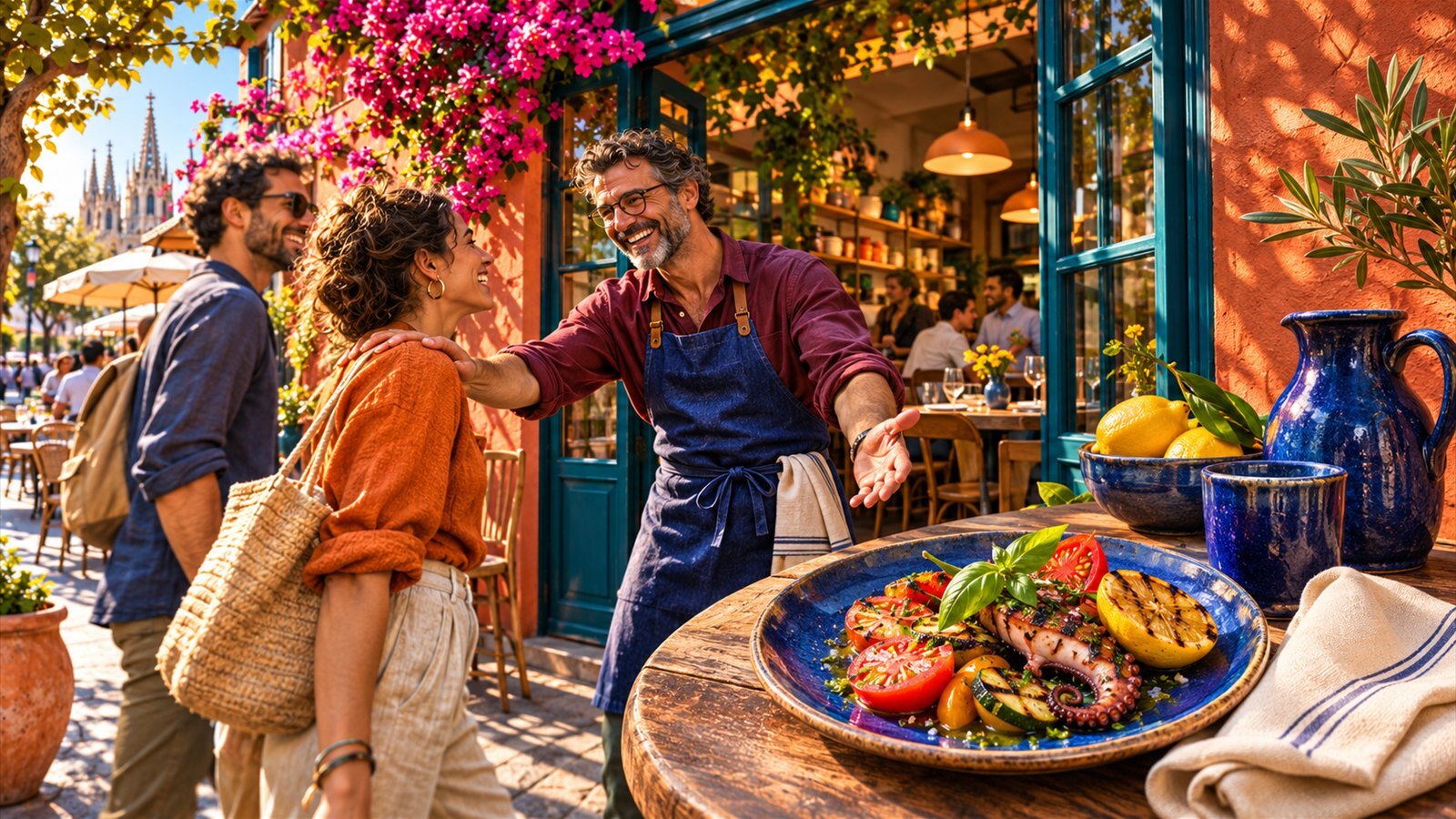
Start with one location and one goal, such as serving more diners at weekday lunch. Before making changes, record how full the restaurant was, how many bookings you took and how many people didn’t show up over comparable weeks.
Open your Google profile and website on a phone using mobile data. Check the entrance, hours, address, menu and booking options. Ask someone who’s never visited to try booking a table. Note where they get stuck.
Check prices and availability. Add recent photos of dishes, the entrance and the dining room. Test the QR code from several tables and make sure the team knows how to show guests a backup menu.
Choose a time when you have empty tables and one clear reason to visit, such as weekday lunch. Connect the post, menu and booking page. Use a dedicated link to measure how many clicks and bookings come from the test.
Compare confirmed bookings, actual visits and revenue where you can. Note where data is missing. Keep the activities that fill tables when you need them and make financial sense.
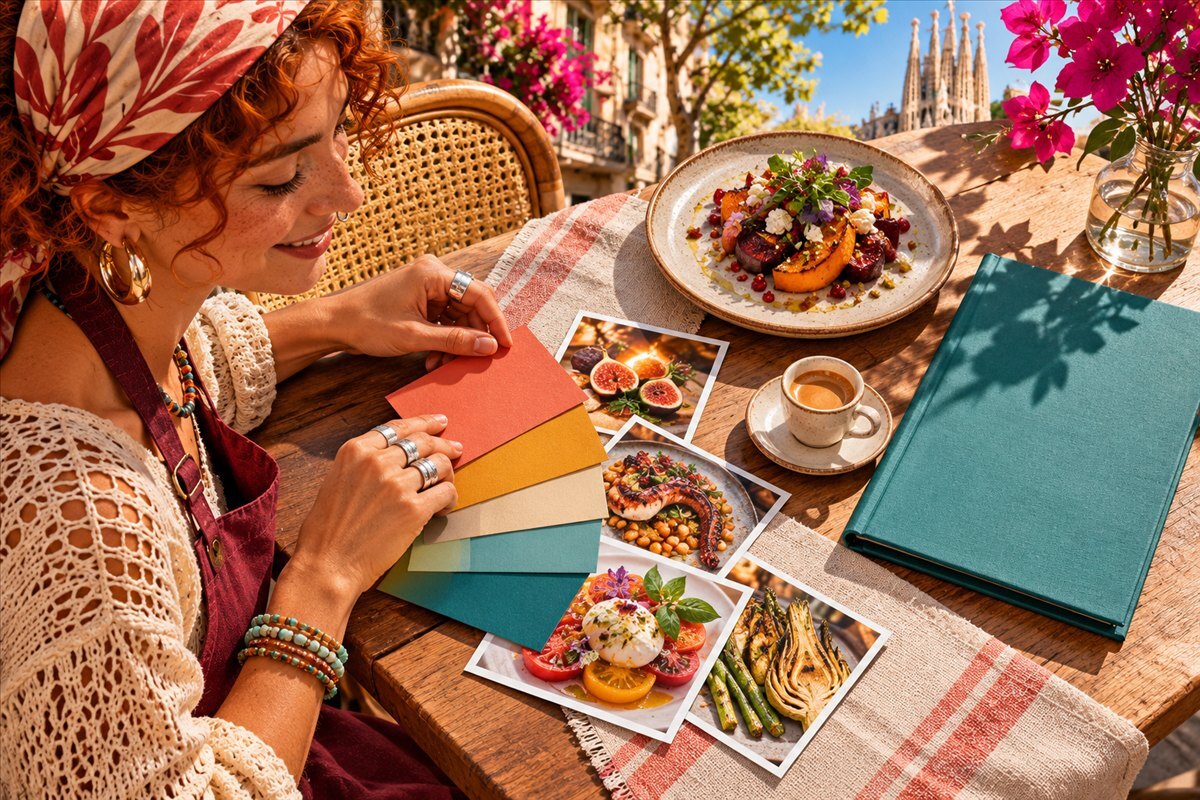
Start with the problem that’s holding you back. If people struggle to find your restaurant, work on maps and your website. If people see your listings but rarely book, review the menu, reviews and booking process.
Positioning, demand, competitors and how to plan a launch or relaunch.
Restaurant pages, the guest’s mobile journey, bookings and organic search.
Business profiles, local search results, maps and travel and city directories.
Collect feedback, reply to guests and give your team a process for handling complaints.
Photographing dishes, staff and the dining room, planning a shoot and getting good results with a smartphone.
Search and social ads, location targeting, budgets and testing.
Finding partners, agreeing terms, planning coverage, disclosing paid content and tracking results.
Booking channels, working with intermediaries, delivery, collection and margins.
Neighbouring businesses, hotels, events, signage and hospitality.
Loyalty programmes, guest communications and customer data.
Bookings, visits and revenue by channel. Test ideas and measure costs and returns.
Practical marketing for Barcelona and other Spanish cities, for both locals and visitors.
Open the menu from Google Maps, your website and the QR code on a table. Categories, prices and descriptions should be easy to read on a phone. Add pictures of the dishes guests often ask about and test the links at the entrance and at tables.
Sonya Menu lets you show dish cards in 80 languages and use short videos in a familiar Instagram-style format. You can film the dishes on a smartphone without arranging a professional photo or video shoot.
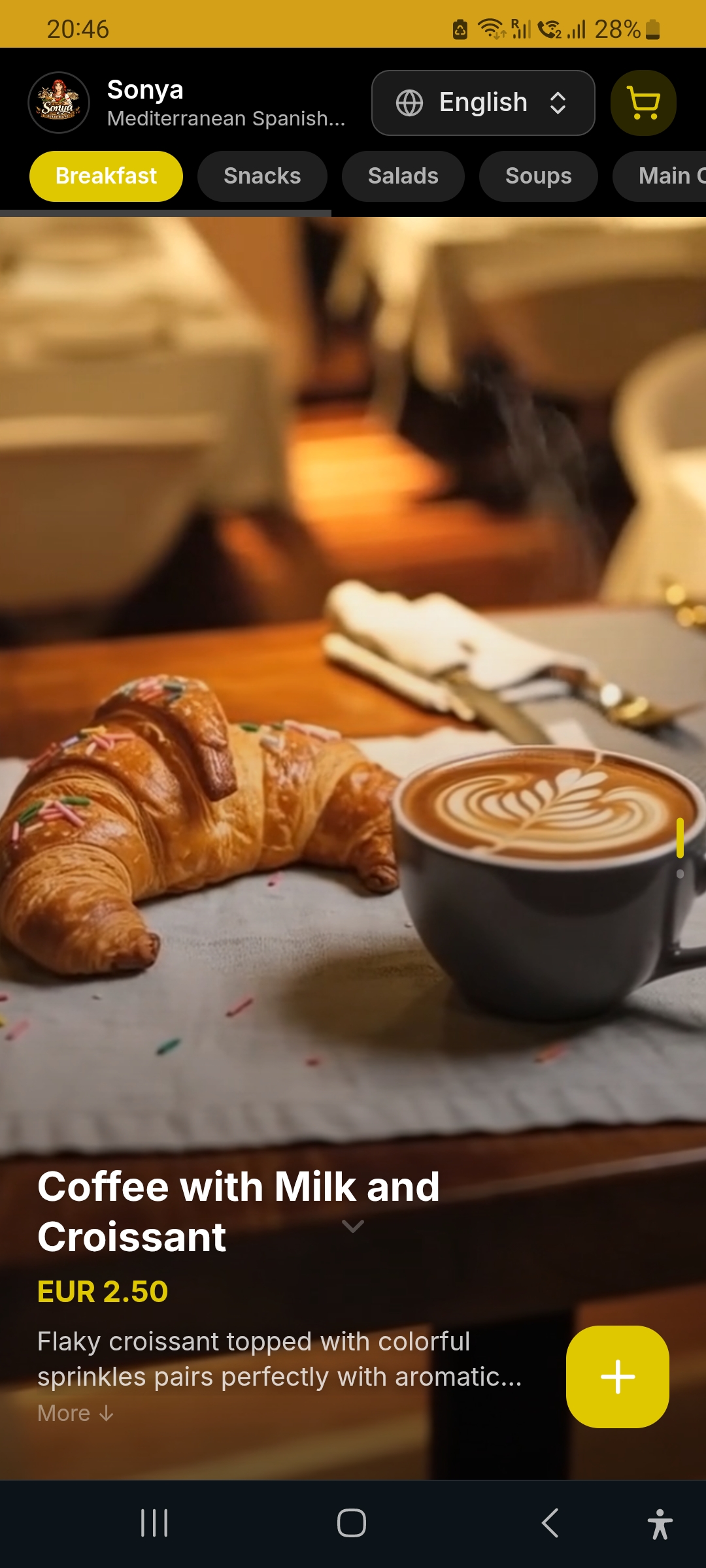
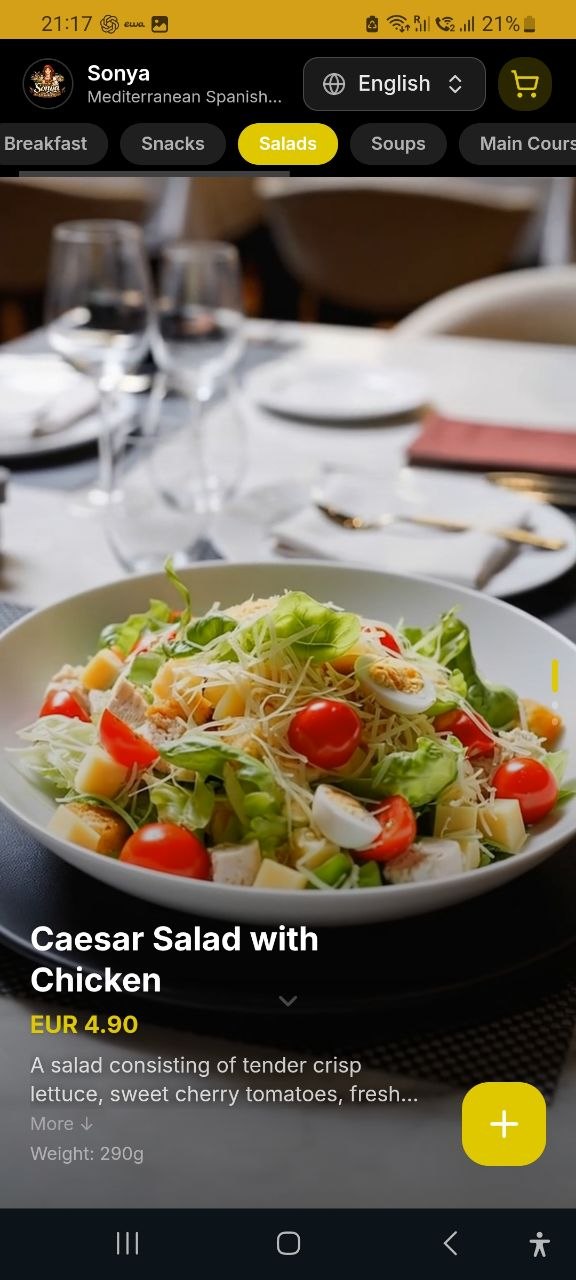
Explore our restaurant work. We promoted TuscaniaLab in Barcelona and built the website, shot content and ran marketing for Golden Bamboo. FishBeer and EmBURGer were restaurants we ran ourselves.
Use this guide to make the changes yourself. If you’d like help finding where guests drop off and putting the plan into action, OliveMKTG can help connect your website, menu, Google profile, content and ads to measurable bookings.